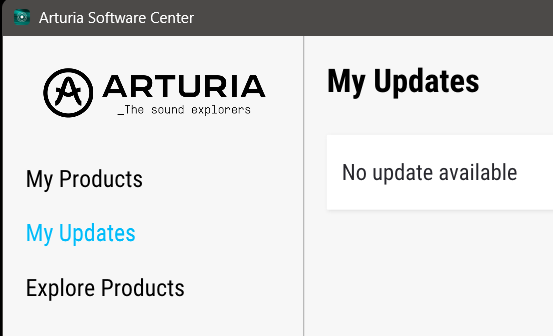
If I try to display the user interface of some instruments in Analog Lab on my Windows laptop, I’m prompted to open the Software Center to update the instrument. However, no updates are available there.
I had the same issue on my Mac, and it took me an extremely long time to solve it. Support was very committed, but they couldn’t provide a decisive tip to fix it.
Unfortunately, I no longer remember everything I tried, except for the suggestions from support (I still have the emails…), but those didn’t solve the problem back then.
Now that I’m experiencing the issue again on a different operating system, I suspect I might not be the only one dealing with this. And I’m hoping that someone here might have a quicker solution.
Yes, exactly. When I go to “open xxxxxx (=name of the synth plugin)” in the top right corner of a preset in Analog Lab Pro, where the plugin image is, it says “Update available,” but in ASC it looks like your screenshot.
Are you sure it’s not Upgrade?
That is to open plugins you own inside Analog Lab. It look like you don’t own the full version of the instrument you try to open.
Can you please post a screenshot?
It can also be because you have’nt installed full versions of individual instruments you own.
Just owning Analog Lab is not enough to open the instruments for deep editing, if that’s what you are trying to do.