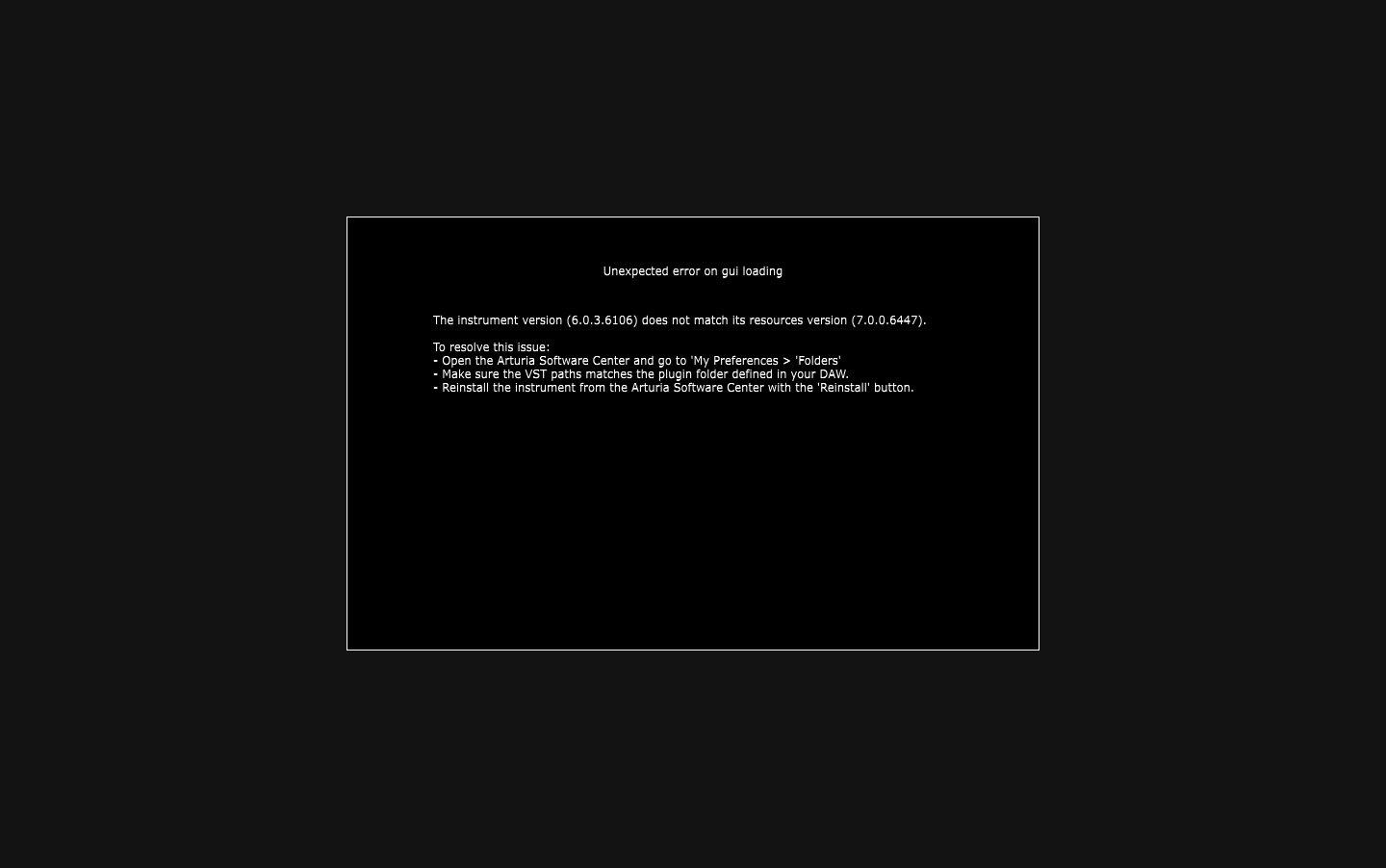
The new upgrade of Pigments 7 is superb and I really enjoy all the new features. However, I realised that my old projects, which contain Pigments 6, won’t be able to be opened properly, as the Pigments 6 UI cannot be opened.
Is it possible to make these two versions compatible to each other? Although I have downgraded to 6 to save all the sounds I created.
I am not sure I understand the problem. Pigments 7 is fully backwards compatible with Pigments 6 and you should have no problem opening patches. If you open an old project which used Pigments 6, the patch will now open in Pigments 7. Is this not happening for you or are you receiving some sort of error message?
I am assuming that you saved your patches in Pigments. Is that so?
Well, it is…something that worked in a weird way. Sorry for not explaining the whole thing. The situation is those old Pigments plugins can be loaded, generate sound in normal ways, but the UI won’t show up, as it would be something like the attachment. All the automation attached in the DAW functioned perfectly, and the only limitation of this problem is that I can’t do any tweak on the UI anymore.
The only thing I did was download the installer from the official website and install the new version (instead of doing this in ASC because every download will be interrupted due to my network and I don’t know why).
As your description, I think this is only an individual problem. I feel safer.
Oh, I just realised the manual installation progress didn’t overwrite the old .dll and .vst file. I did it and everything now works perfectly. Thanks people!
@Ceru427
Apologies, bit late getting back to this, time of year etc…
That’s great news you’ve managed to sort your issue yourself, and thanks for letting us know of course!