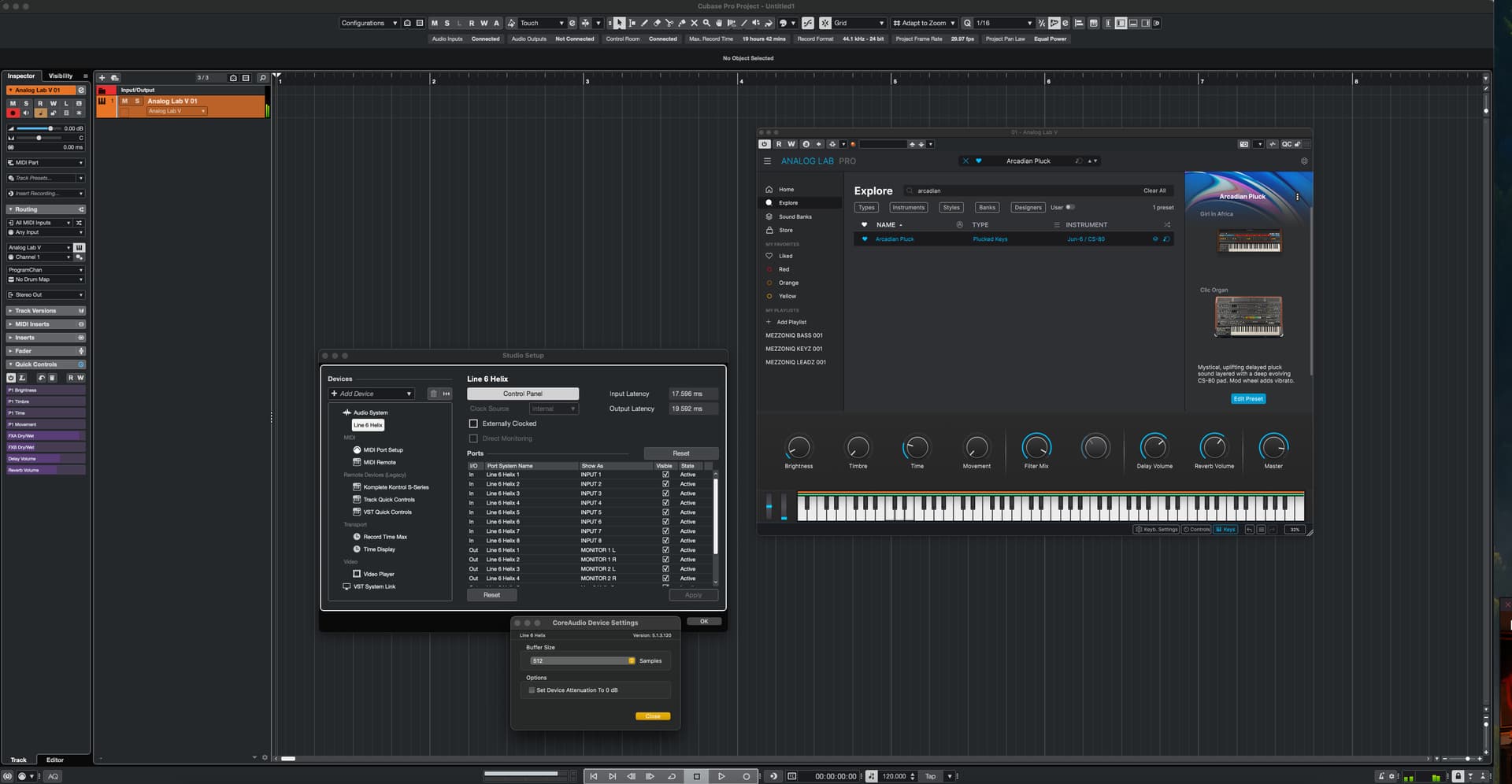
Has anybody else encountered noticable cracks and pops while playing Analog Lab Pro (and I’ve also tested some other synths) after the latest updates? I did the updates today, January 20th and with the same buffer settings I immediately noticed the problem…
I am getting serious CPU spikes in Cubase also, goind to 100%… 128kb buffer size, which has been more than enough for a bunch of VSTs since I got this M1 Pro… very strange behaviour.
You can try it on Arcadian Pluck preset for example, it is very noticable there.
I am using Macbook Pro 14" 2021, M1 Pro, MacOS Sonoma 14.8.2 (23J126)
Do you have the MultiCore setting enabled under Analog Lab Settings tab in the right panel?
I assume you also have the same Sample Rate settings like you have the buffer setting.
128 samples buffer setting can demand much but it also depend on the Sample Rate setting. I’m not familiar with MAC’s. What Sample Rate setting in Hz do you use?
I don’t know how much CPU power i used before. I don’t think it’s worse than before.
Just tried Arcadian Pluck on Analog Lab Pro Standalone and as a plugin using Sonar 2026.
All good here. No crackling or ppoping at all.
This is on an i5 4670 CPU (Circa 2014), 16gig ram. Audio interface: Focusrite 8i6 3rd Gen 48khz 24bit 256 samples buffer size using ASIO drivers version 4.87.4.709. Nvidia GTX1660 Super, latest drivers, Windows 10 Fully patched.
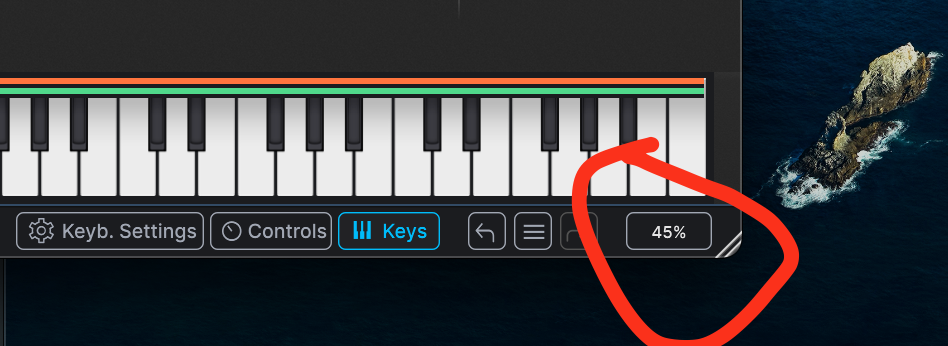
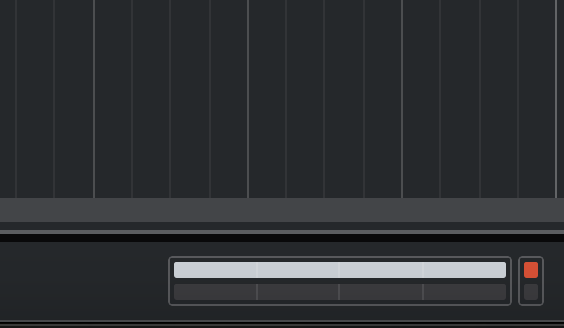
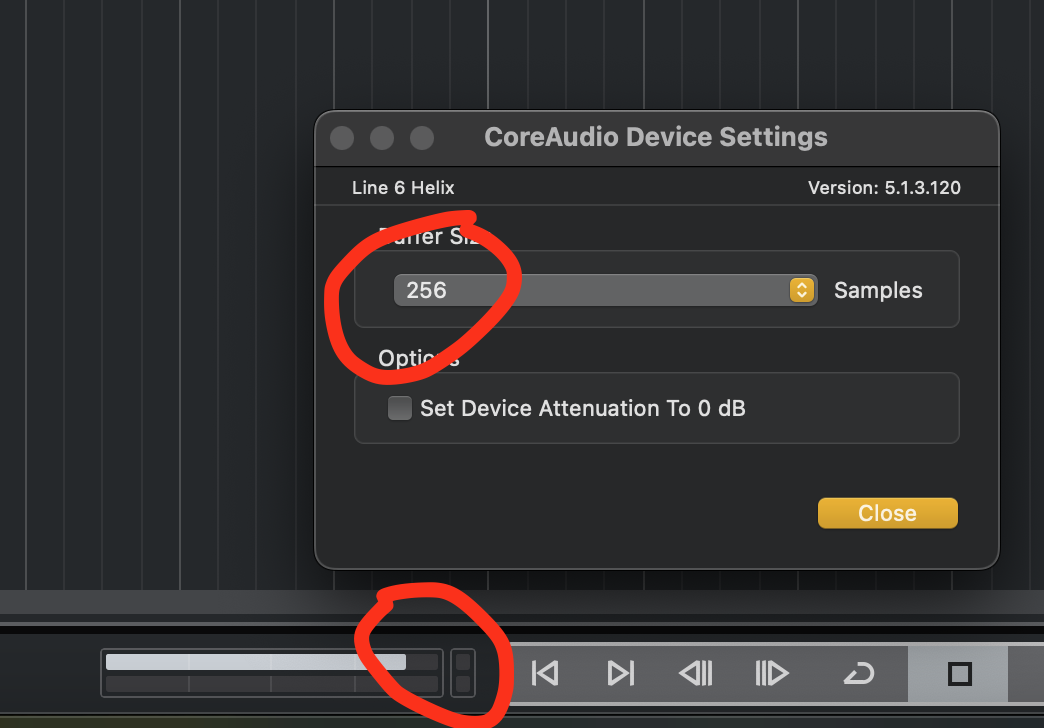
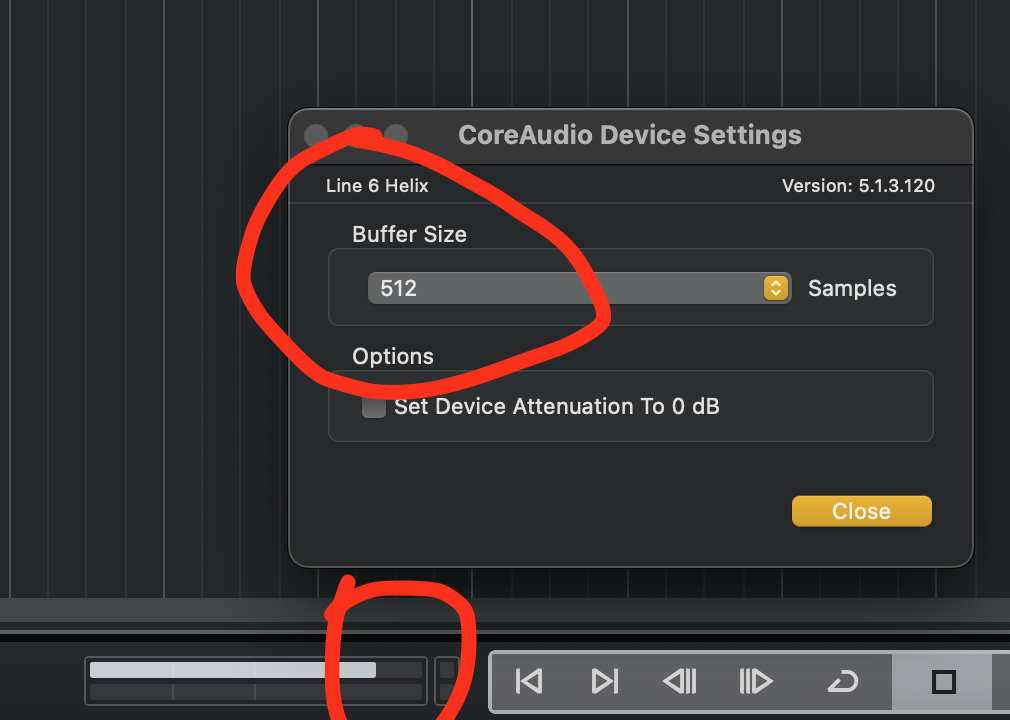
Thank you for your ideas and input! I believe this is a bug, because this started happening only after last update. Actually, I haven’t updated for a while, so I couldn’t know which update did it… Anyway, I can usually play with buffers as low as 32kb, so this is definitely a strange behaviour. I am getting ridiculous CPU spikes, both in standalone Analog Lab and Cubase. Maybe this is a MacOS Sonoma issue, or M1 Pro? I am attaching the screenshots…
Sorry for skipping your first advice - to check the MultiCore setting - I TURNED IT OFF and the crackling stopped! Very wierd… especially on split presets, the crackling was awful and with MultiCore turned OFF, it is gone totally…
@Funtmaster thanks for your idea too, I’ve checked out with MacBook Pro Speakers as an output and with MultiCore ON, crackling was awful at lower buffers and noticable on higher ones. Anyway, with MutliCore OFF (for whatever reason). Analog Lab is working as it should
Thank you all for your input, I’ve learned something new today
@LBH , will do. I’m getting back to work now, so I will definitely contact support if crackles start occuring even with MultiCore OFF. It seems that Analog Lab is usable for me now, but as @Promidi suggested, he did his tests with 256kb buffer size with MultiCore ON… Which is generally wierd for me, since I kept mine at 32kb (and didn’t even bother with MutliCore setting) until this update… we’ll see if anyone else faces this problem on Apple Silicon.
Cheers!
_Need help ?
When you can't find the answer online or in the product manual, the Technical Support Team is here!.
_Stay tuned
Follow us for the hottest sounds, fresh content, exclusive offers and Arturia news as it happens.